


Chances are, at least some of your employees use smartphones, tablets, and laptops in their function, and they probably use them off-site as well. While mobile technology is now ubiquitous thanks to the benefits of flexibility and productivity, it also creates security vulnerabilities in your business network.
What are the business challenges of mobile device management?
The truth about private browsing and your online privacy
Protecting your online privacy requires constant vigilance. Every website you visit tries to gather information about you. Fortunately, private browsing gives you a quick way to block unwanted snooping. With this feature, your searches and clicks disappear after you finish browsing.
How hospitals can keep thousands of connected devices secure
Hospitals rely on thousands of connected devices every day, from bedside monitors and imaging systems to staff laptops, printers, tablets, and administrative tools. These devices help teams deliver care, coordinate treatment, and keep operations moving, but every connected device can also become a security risk.
Why identity is the new internal highway for cyberattacks
Organizations spend tens to hundreds of thousands fortifying their perimeters, but the biggest threats often originate from within. This article explores how saved passwords and autonomous AI agents can create hidden pathways for cybercriminals, bypassing traditional defenses and highlighting the need for a unified approach to mapping user access.
Mid-year cybersecurity check: Are your business defenses still strong?
Checking in on your cybersecurity defenses each year to see if they hold up to emerging attacks and scams is a critical task, but it often isn’t enough. You might do a checkup to start the new year, but unfortunately, cybercriminals won’t wait until the next annual review to develop new attack methods.
Practical methods to lower your workplace computer power consumption
Operating multiple workstations throughout the day heavily inflates commercial utility expenses. Simple, strategic modifications to standard desktop configurations can significantly reduce unnecessary electricity usage across your entire office. Calibrating monitor brightness levels Display panels are among the primary power consumers in a standard office setup.
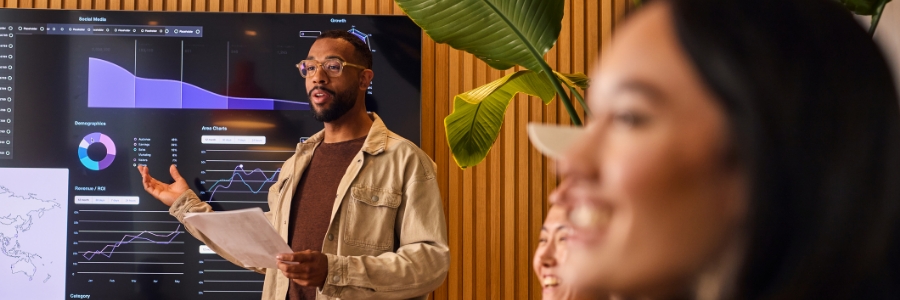
Use Viva Insights to build a more productive team
Microsoft Viva Insights helps organizations understand how work actually gets done, from meeting habits and collaboration patterns to broader productivity trends. With the right setup, it can reveal where teams are losing time and productivity and how they can work more efficiently.
Shadow IT: Risks you might not see
When the software and hardware you procure for your business aren’t cutting it, employees will seek alternatives that will get the job done more efficiently. This is mostly to save them time and headaches, but fortunately, it can create a more productive infrastructure.
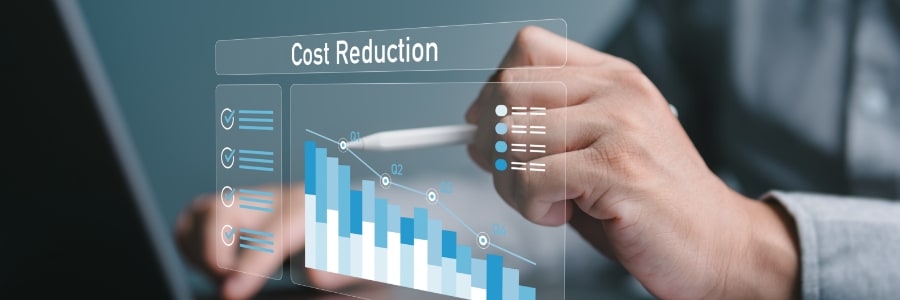
How SaaS helps SMBs save money and work more efficiently
Software-as-a-Service (SaaS) gives small and medium-sized businesses (SMBs) a simpler, more flexible way to access the software they need. Aside from reducing upfront IT costs, it supports remote work, easier scaling, app integrations, and stronger security protections.